Orchestra Remote API
Description
Assigns a throttling rule to all remote services of the Orchestra service API.
Steps to Create Assignment
-
Click the Create Assignment button in the Throttling Assignment tab of the Throttling view.
-
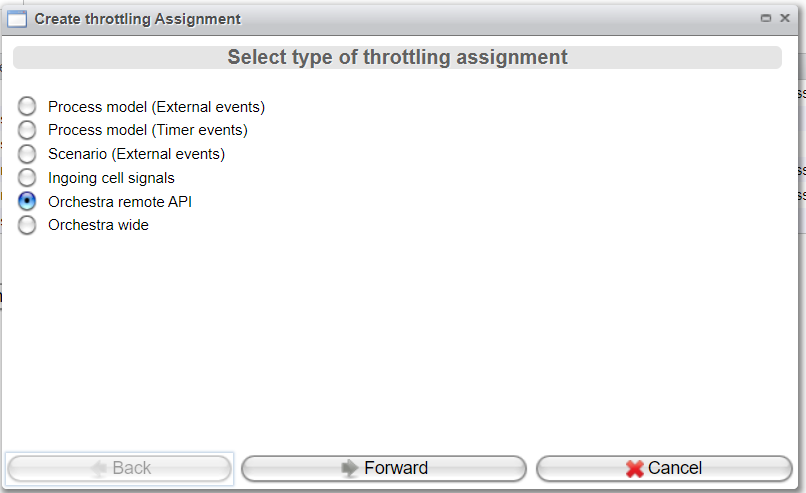
Select
Orchestra remote APIand click Forward.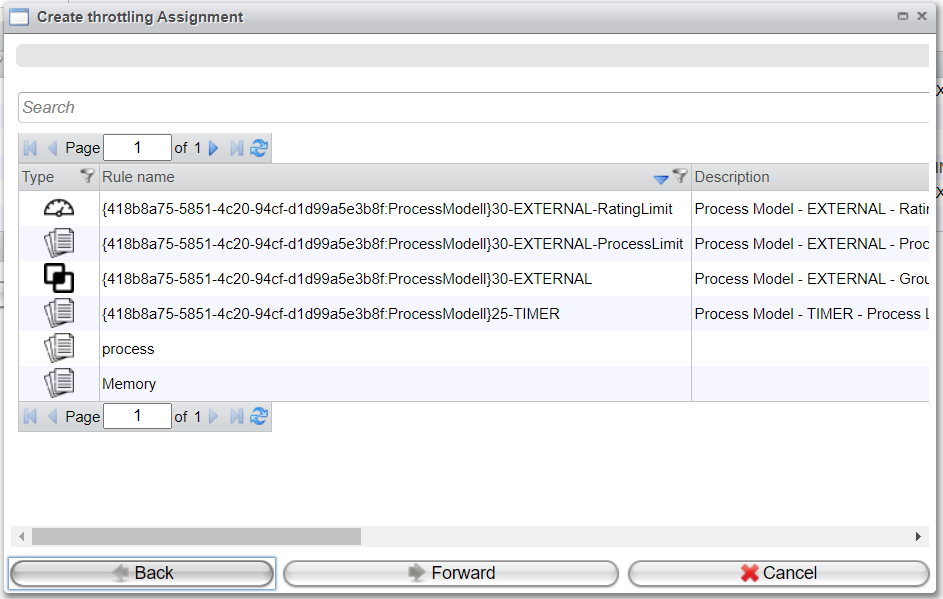
-
Select a rule that has been created as described in the chapter Throttling Rules.
-
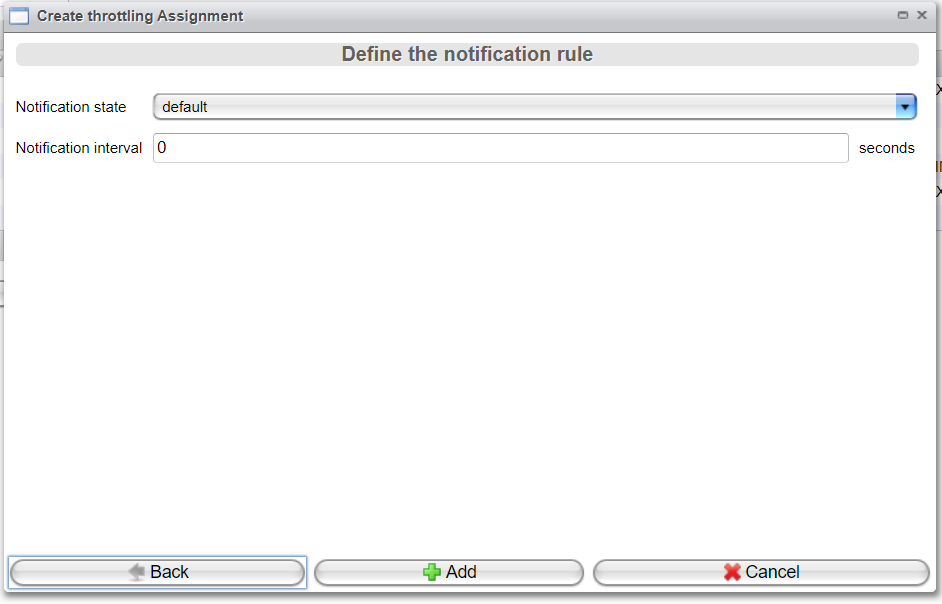
Configure the Notification settings as described in the chapter Throttling Assignment, topic Details View.